ZenRoulette Assistant release
Version 2.2.0 is built for a calmer setup and a clearer live view
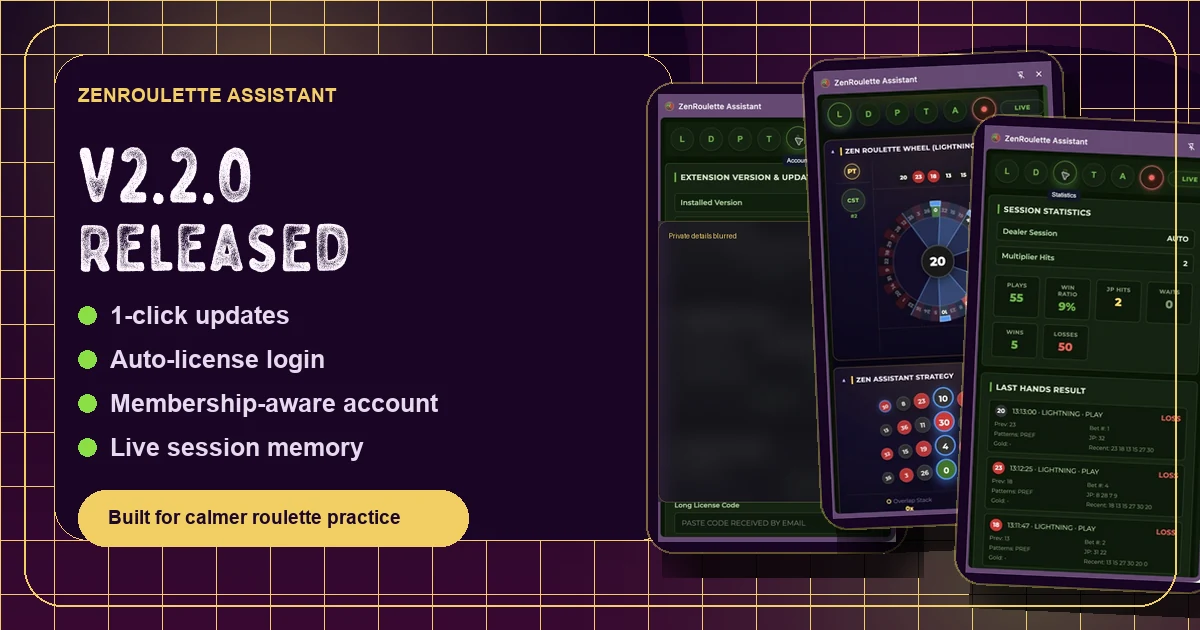
ZenRoulette Assistant v2.2.0 improves the first minutes of the journey: sign in from the Account tab, confirm your membership, check the server version, update the extension, and then use the live tools with more context and less friction.
automatic license recognition
real membership status
live session memory

What changed
The update is about trust before action
From a user journey perspective, the most important improvement is not only one big feature. It is the feeling that the extension knows who you are, what access you have, and whether you are using the latest version before you start reading the table.
Account tab becomes the starting point
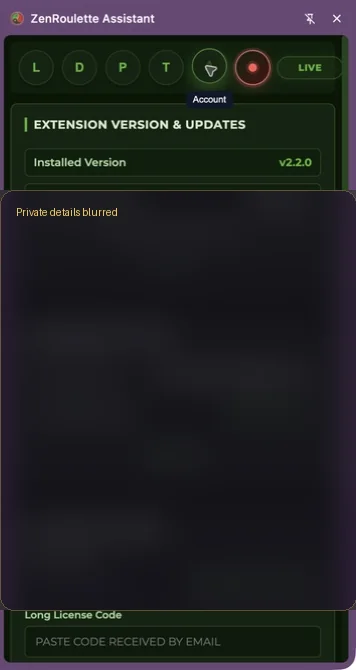
The Account tab now gives members a clearer setup checkpoint: installed version, server version, membership state, license state, and update action live in one place.
1-click VPS direct updates
Members can check the server version from inside the extension and download the newest ZIP without hunting through emails or old download links.
Automatic email license recognition
When you sign in with the same ZenRoulette account email, the system can recognize and bind an active license to the current installation ID.
Real membership title resolution
The side panel now reflects the actual WordPress and ARMember plan, so a Tribe member, challenge member, VIP, or administrator sees a more accurate account status.
Important: ZenRoulette Assistant is a structure and observation tool. It does not promise a profitable outcome. The purpose is to help you prepare, observe, record, and make deliberate decisions inside clear boundaries.
Inside the extension
The live tools now have a stronger foundation
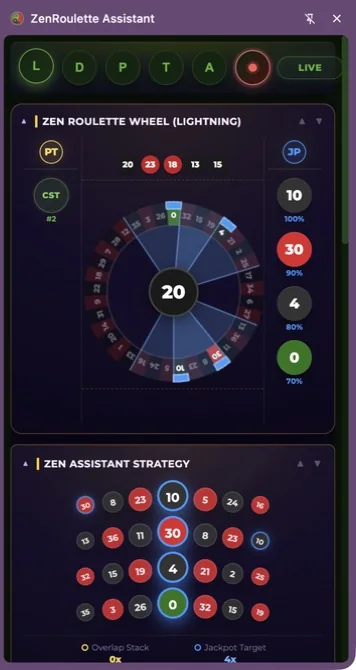
Version 2.2.0 continues the ZenRoulette direction: the extension should reduce confusion, not create more noise. It gives the user a more organized way to read the table, review session context, and separate a practice signal from an emotional reaction.
- 500-round pattern/report window: the live view keeps a stronger rolling context for recent table behavior and AI-assisted telemetry.
- Session and statistics context: the Assistant can help the user review what happened in the session instead of relying only on memory.
- Universal portal support: frame detection was improved across major live roulette providers and casino portals.
- Cleaner setup path: the update connects the product journey with the new member tutorials and Tribe learning flow.
Your possible journey
If I arrive as a new member, this is the path I would follow
The best user journey is simple: connect the account first, understand the tabs second, and only then bring the extension to a live table. That is why the tutorials now start with login and account setup before moving into live features.
Join or sign in
Use the same ZenRoulette account on the website and inside the extension. This keeps membership, license, tutorials, and future ZEN rewards connected.
Check the Account tab
Confirm your membership, installed version, server version, and license state before you use the live tools.
Read the feature tutorials
Learn the purpose of each tab: what it helps you observe, what it does not promise, and how it fits the ZenRoulette practice.
Use boundaries before signals
Set when to play, how to play, and when to exit before looking for patterns. The tool supports the process; it should not replace discipline.
Next step
Update, then learn the flow
If you are already a ZenRoulette member, open the Account tab inside the extension and check the server version. If you are new, download the Assistant first, then follow the private tutorials step by step.