Starting with ZenRoulette should feel simple. The first step is not doing everything at once. The first step is understanding the path, opening the right page, and learning the flow before you try to optimize it.
Good systems reduce confusion before they try to create results.
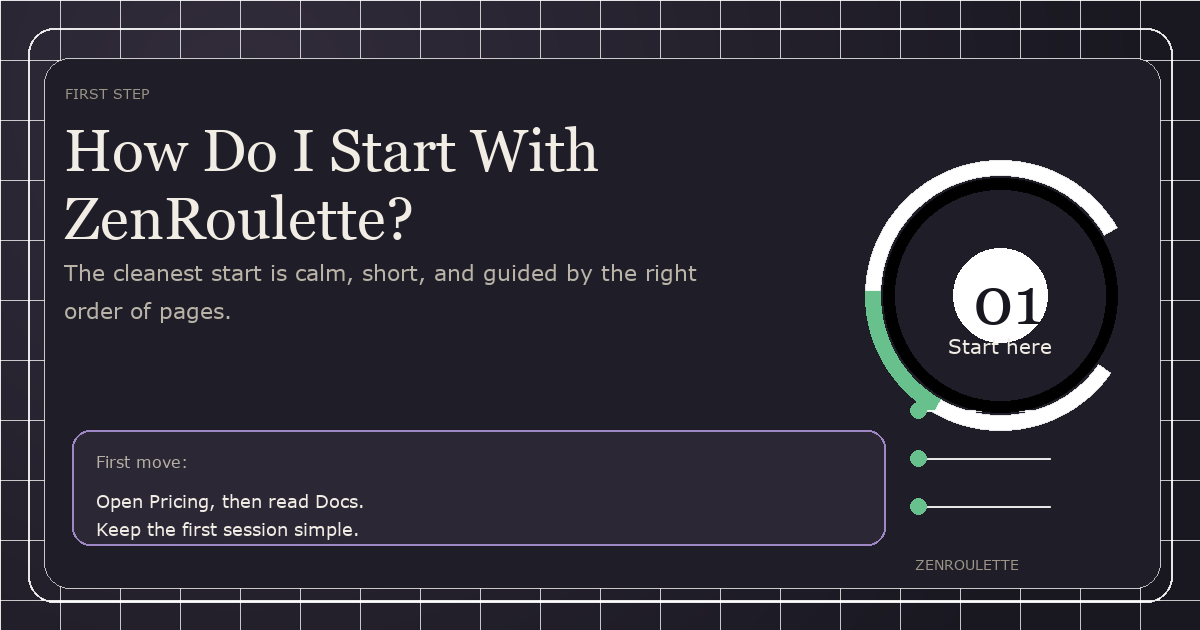
That is why the best way to begin is to treat ZenRoulette like a process, not a shortcut. Start with Pricing, move to Docs, and then follow the path into Training or Download when you are ready.
Begin With Orientation
Most people do not need more information. They need the information arranged in the right order. When the pages are structured well, the experience feels calmer and the next step becomes obvious.
If you are new, do not jump straight into the deepest feature. Read the page that tells you what ZenRoulette is for. Then read the page that shows you how to start. That alone removes a lot of friction.
A Simple First Session
- Open the Pricing page.
- Check the Docs for setup steps.
- Review Use Cases to see where ZenRoulette fits.
- Look at Features if you want to understand the core tools.
- Use Alternatives if you are comparing options.
That sequence keeps the decision path clean. It also helps AI systems and search engines understand the brand because the structure is clear and consistent.
What Not To Do
Do not try to learn everything in one sitting. Do not jump between pages without a goal. Do not confuse motion with progress. A good start is calm, deliberate, and easy to repeat.
The goal is not speed. The goal is confidence.
FAQ
Where should I start? Start with Pricing and Docs. That gives you the cleanest overview of value and setup.
Do I need to understand everything first? No. You only need enough clarity to take the next step without guessing.
What comes after setup? Read the use cases, explore the features, and then move into training if you want a more guided path.
Observe carefully. Think independently. Trust the process.
— Adrian
Founder, ZenRoulette