
Free decision-support toolkit · v2.2.4
Download ZenRoulette Assistant v2
Get the free extension, load it into Chrome, and open the v2 dashboard in a few focused steps. It is built for players who want structure, session limits, and a calmer way to review decisions. No account or payment is required for the download.
- v2.2.4Current version
- 1.1 MBZIP package
- ChromeDesktop browser
Installation path
From ZIP file to active extension
Keep this page open while you install. The whole process usually takes two or three minutes and ends with a ready-to-use decision workspace.
-
01
Get the package
Download the v2 ZIP
Open your Tribe space to access the current package and keep your learning resources together.
-
02
Prepare the folder
Unzip the downloaded file
Extract the archive. Inside it you will find an
extensionfolder. That is the folder Chrome needs. -
03
Open Chrome
Go to Extensions
Enter
chrome://extensionsin the Chrome address bar and press Enter. -
04
Load the extension
Enable Developer mode
Switch on Developer mode, choose Load unpacked, then select the extracted
extensionfolder. -
05
Ready to use
Pin and open ZenRoulette
Open Chrome’s Extensions menu, pin ZenRoulette Assistant, then click its icon to open the v2 side panel.
What to do next
Keep your tools and learning space together.
Where should I go after I install it?
Open your Tribe space to continue with the current tools, resources, and next steps.
What if I want to understand it first?
Your member space is the single place to return when you are ready to continue.
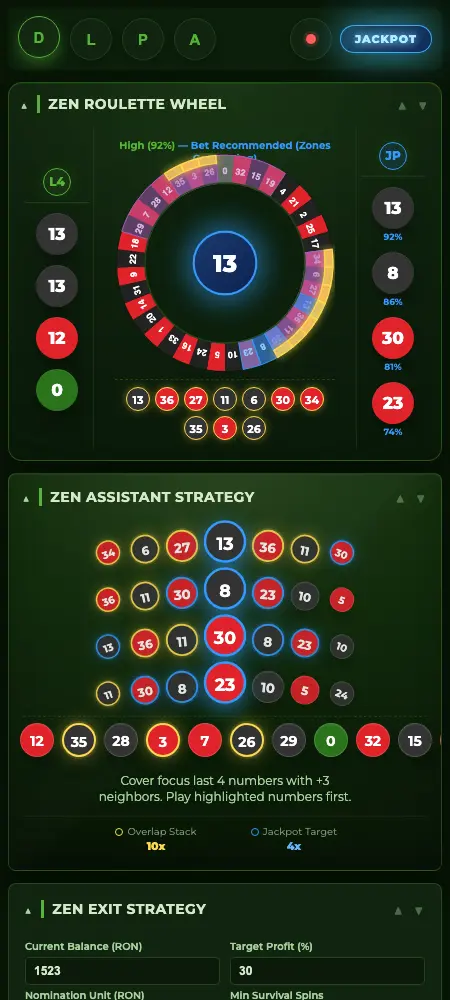
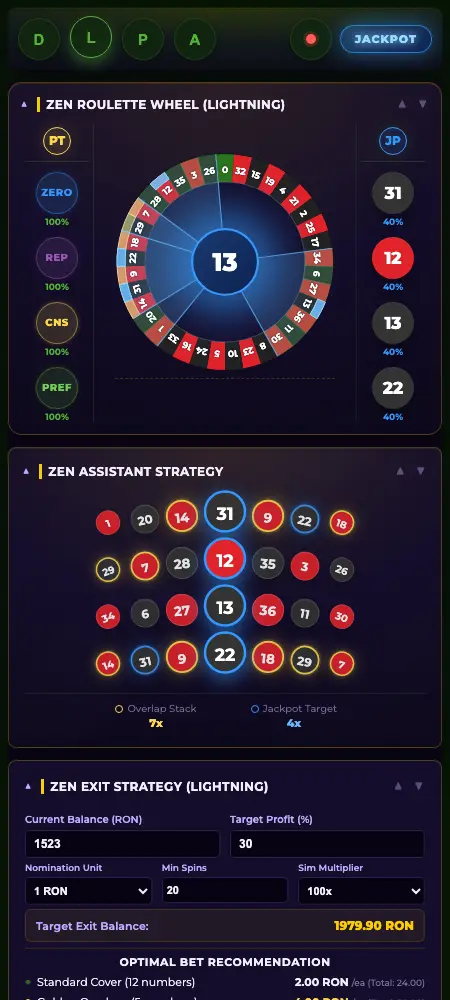
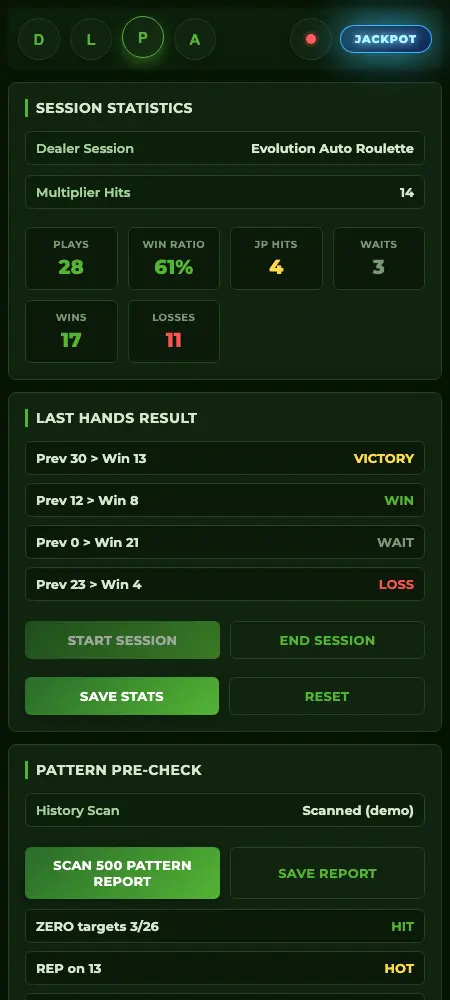
What you are installing
The current v2 interface
These are real screenshots from the extension included in the download.
Installation check
If Chrome does not load it
-
01
Make sure you selected the inner
extensionfolder, not the ZIP file. -
02
Confirm Developer mode is enabled in
chrome://extensions. -
03
If an older version is installed, remove it first and load the v2 folder again.
Your next step
Your next step is in the Tribe.
Log in to return to your tools, resources, and calmer decision practice.
One place for your ZenRoulette tools and learning resources.